


The cost of doing nothing.
Why you need to refresh your hardware

Your devices are costing more than you think.
Outdated Windows® devices no longer provide the security and processing power needed to drive innovation in today’s fast-paced IT environments. And PCs older than three years cost businesses $326 to $401 per PC, per year, in maintenance and repairs.1 A device refresh can help meet both security and performance needs — without hurting your bottom line.

Modern solutions
Compared to older Windows devices, Windows 10 Pro devices powered by 7th generation Intel® vPRO™ processors offer:
- Up to 65% faster multitasking2
- Up to 28% faster startup on average3
- Up to 3x longer battery life4
Windows 10 Pro Devices
The same easy-to-use experience across all devices

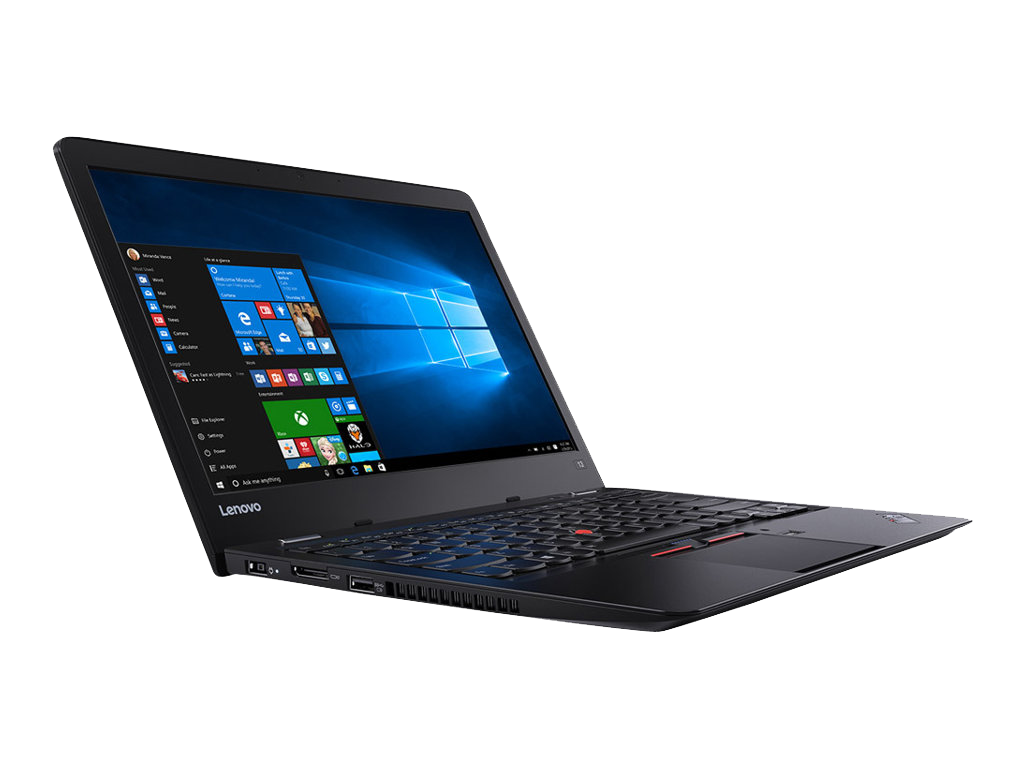

Why Lenovo for Windows 10?
Lenovo and Windows 10 bring together flexible, reliable and innovative capabilities to empower productivity from just about anywhere. Built on more than 200,000 pieces of user feedback, Windows 10 breaks new ground while maintaining functional familiarity. Lenovo devices are built with the same relentless focus on continuous improvement.
Optimizing productivity & security

Go further, faster.
An engaged and inspired workforce drives innovation. With Windows 10 Pro, you can work how you want, from touch to pen to voice.

Get built-in defenses.
Cyberattacks can cost up to $148,000 per breach.5 Protect your information anytime, anywhere, with the latest Windows devices.

Enjoy simplicity & flexibility.
Windows 10 Pro reduces IT management time by 20% — helping your team quickly choose their devices, set them up and get started.2

Intel-powered processing
Ensuring compatibility across your devices and having a foundation for maximized performance is critical for success. With the power of Intel Core™ processors, you’ll get complete compatibility across your Windows 10 applications: Microsoft® Word, Excel, PowerPoint® and Outlook®. Additional benefits of leveraging the latest Intel processors include:
- Up to 10 hours of battery life6
- Up to 2.1x faster multitasking7
- Up to 80% better productivity8

Productive and secure
In this infographic from Microsoft, learn about the enhancements to Windows 10 Pro, plus learn why migrating from earlier versions is a business imperative.
Save time and money.
Discover how Insight and Microsoft can help you refresh your hardware for optimal performance and cost savings.
1 Trow, J. (2016, Nov. 28). A Fiestful of Dollars: The Cost of Using Old Computers. Dymin.
2 Compared to a five-year-old PC, as measured by SEG562, which is an office productivity and multitasking workload using Microsoft Word* (save to PDF), Excel* (recalc), PowerPoint* (slide sort), and NXPowerLite Desktop* (to shrink contents with office documents, kind of like compression), all while playing video in the background (simulating the watching of a business training or webcast).
3 Testing conducted by Principled Technologies in July 2015 in a closed lab environment using OEM factory default images on a representative sample of Windows 7 devices. Each boot test was run 10 times and the averages compared. Average improvement in startup was 28%.
4 Performance of 6th Gen Intel Core processors in Windows 10 devices, estimated based on Windows 8.1 Local HD Video Playback Power, Comparisons based on Intel Core i5-6200U vs. Intel Core i5-520UM.
5 Kokenes, C. (2018, Jan. 23). 10 Small Business Trends 2018. SmallBizDaily.
6 As measured by Windows 1 *EEMBC Browsing Bench vs. a 4-year-old commercial PC.
7 As measured by SEG572 vs. a 4-year-old commercial PC.
8 As measured by an overall score of SYSmark 2014 vs. a 4-year-old commercial PC.